1. Log in to the WebAdmin
2. Select your domain in the Services section
3. Select Advanced configuration > Databases in the left menu

4. Select a database for which you want to display login credentials

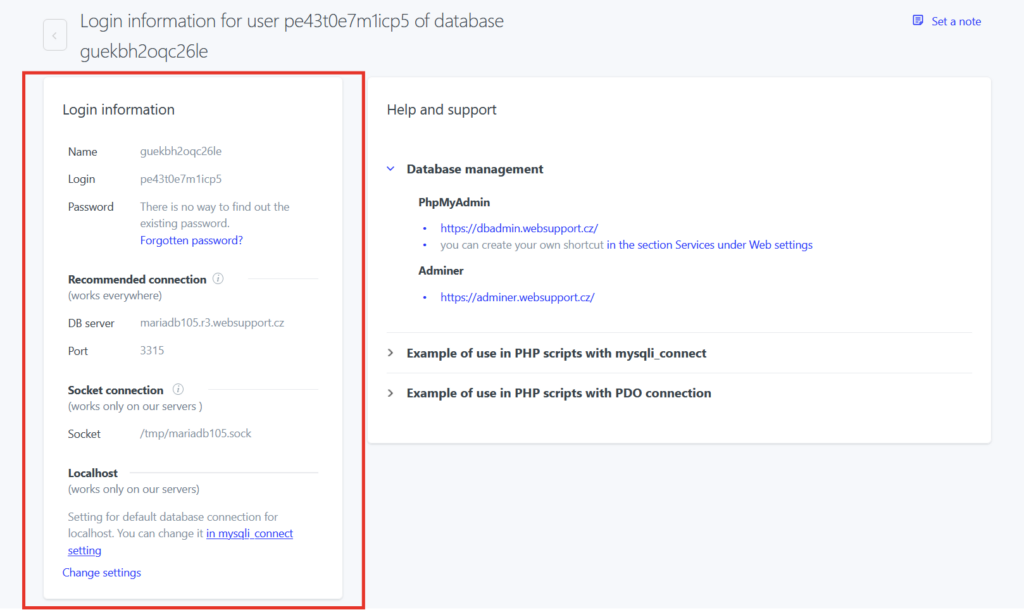
5. You will see the credentials in the panel Login details