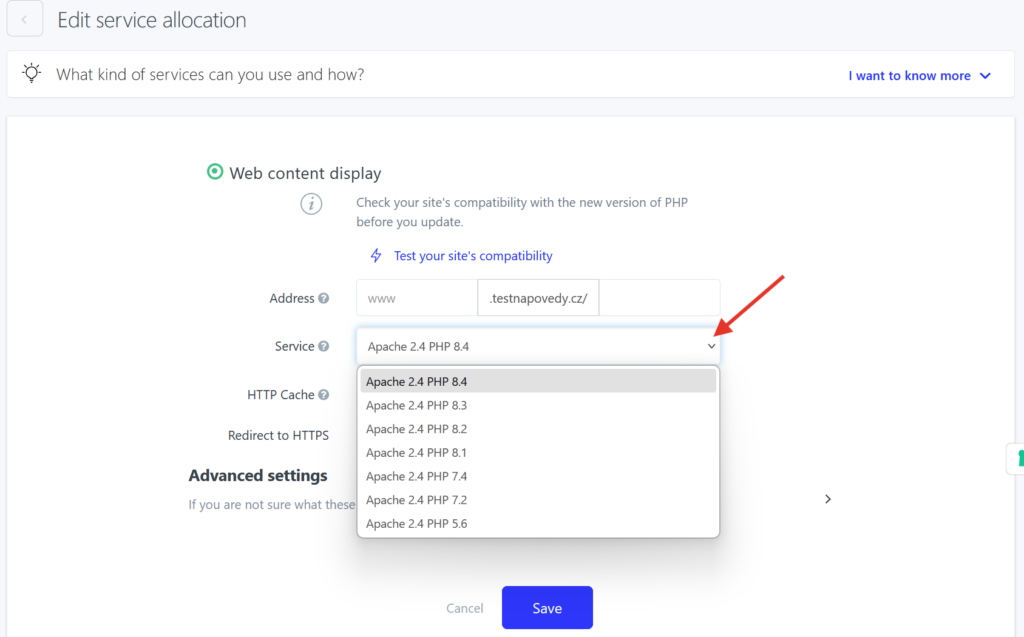
For optimal security and performance of your website we recommend to use the newest version of PHP. Or at least one of the officially supported versions
- Log in to the WebAdmin
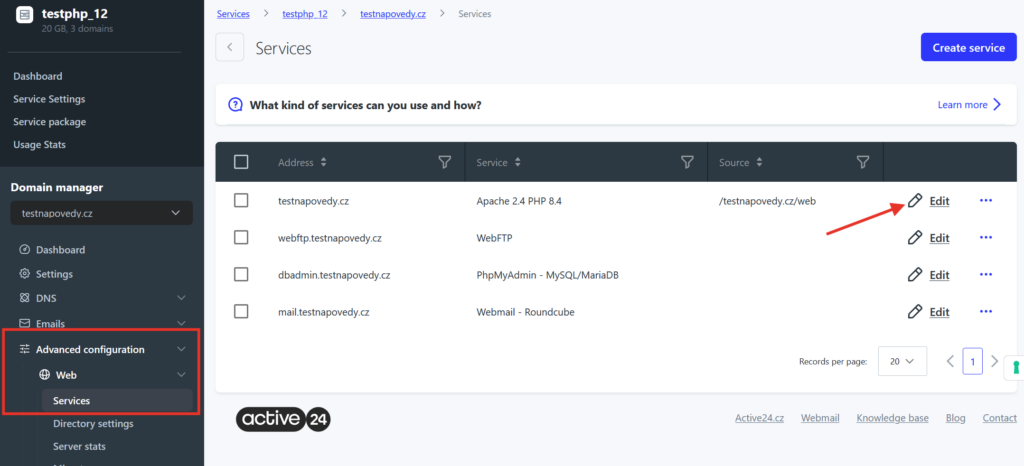
- Select your domain in the Services section, then select Advanced configuration > Web > Services in the left menu
- In the list select Edit next to the domain for which you want to change PHP version
4. Select the PHP version in the Service drop-down menu and Save the change.