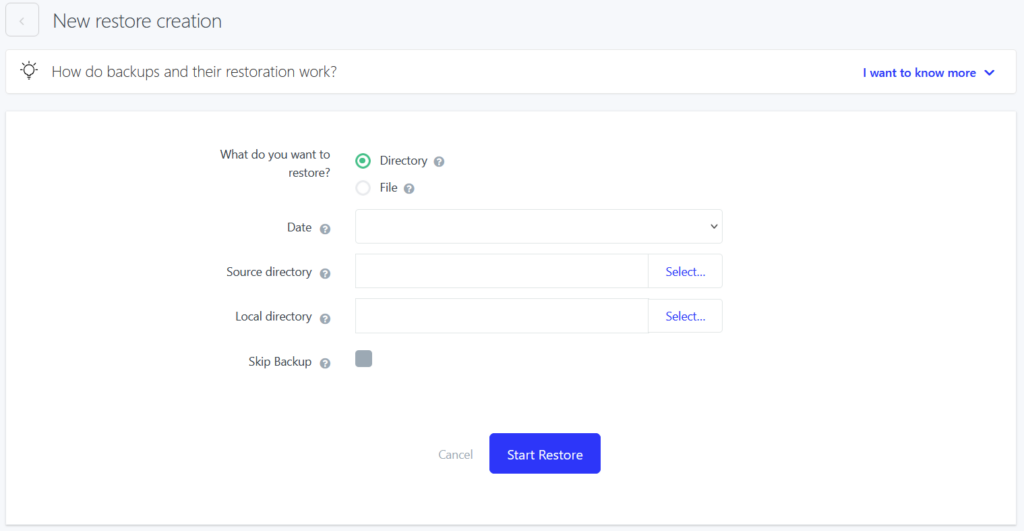
Have you lost your data on the FTP, has your web been attacked or did you make an unwanted change in a file? Nothing is lost. Once a day we create a backup of your hosting. These backups are available for 14 days until they are rewritten by a new backup.
You can use these backups to restore specific file or any directory with all its subdirectories. Restored file/directory is in the same state as it was at the time of the backup.
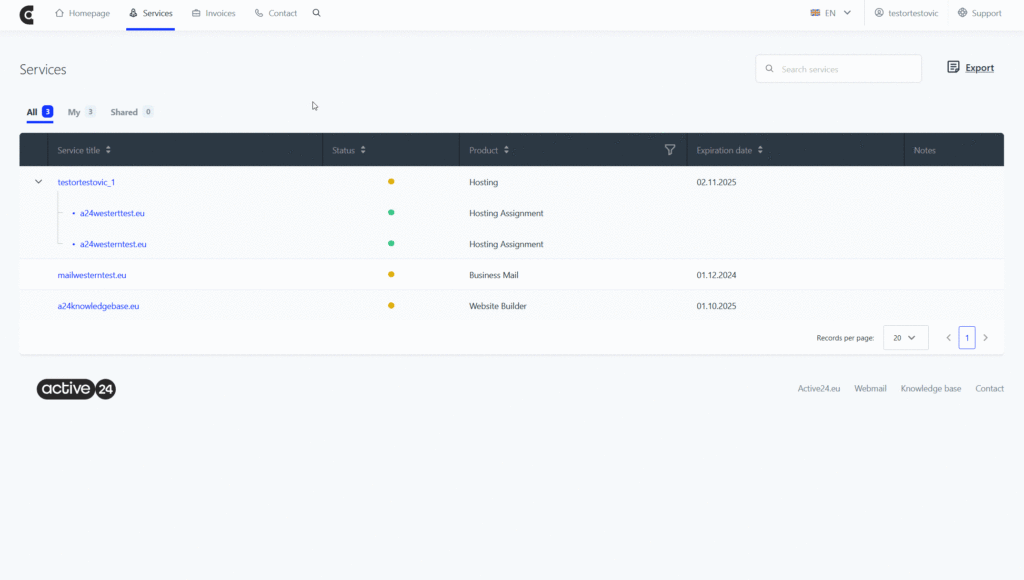
To issue a restore:
1. Login to the Webadmin
2. In the Services select your Domain
3. Select Web in the left section and then select Restore from backup. Select Issue new restore.
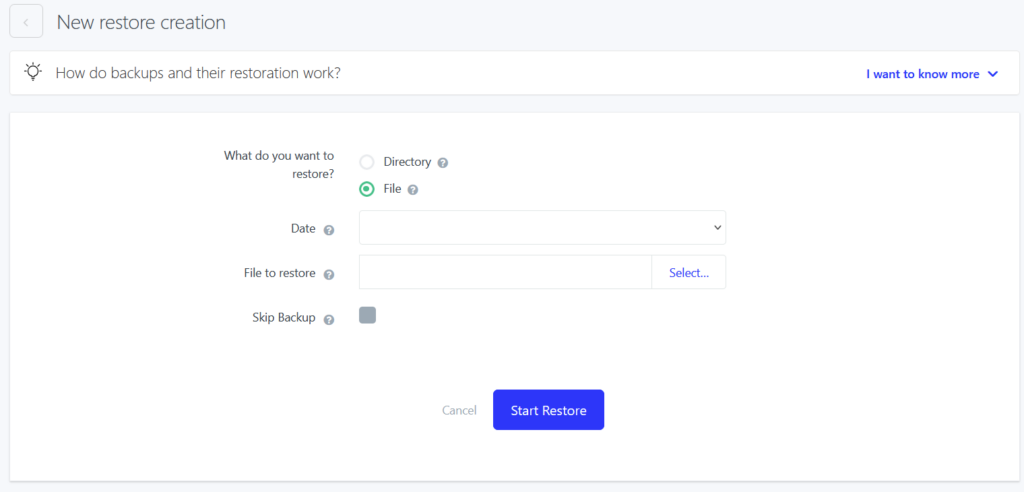
File restoration
Select option File and select a date from which you want to restore the backup. By selecting Browse choose your file from the list. Confirm your choices by selecting Start restoration.
Directory restoration
Select Directory option and a date from which you want to restore the backup. Then you need to select source directory you want to restore from the backup and local directory on your FTP you want to restore the backup to. If you want to restore main page select directory WEB.