
- To set up an e-mail address in any e-mail client, you will need to know your own e-mail address and password to said e-mail account. Your login credentials can be testes on mail.active24.eu
- If you are familiar on how to log-in to your Webmail, open your e-mail client Outlook
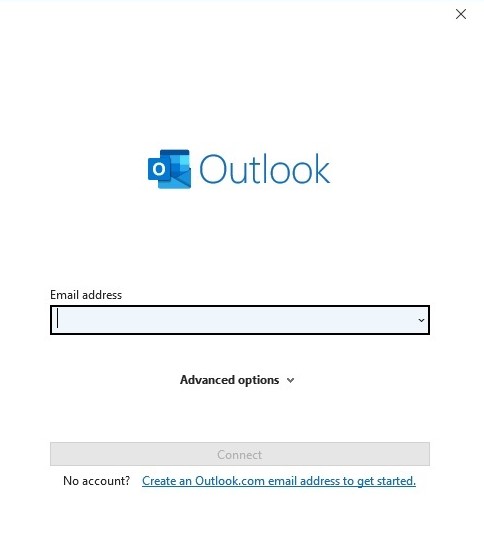
- There, enter your e-mail address and click on Connect
- Choose a type of account: IMAP or POP

- Fill out server settings with the following credentials:
Incoming e-mail server
- Server: imap.websupport.cz for IMAP (pop3.websupport.cz for POP)
- Port: 993 (in case. 995 for POP)
- Encryption: SSL/TLS
Username: your e-mail addresss
Outgoing e-mail server
- Server: smtp.websupport.cz
- Port: 465
- Encryption: SSL/TLS
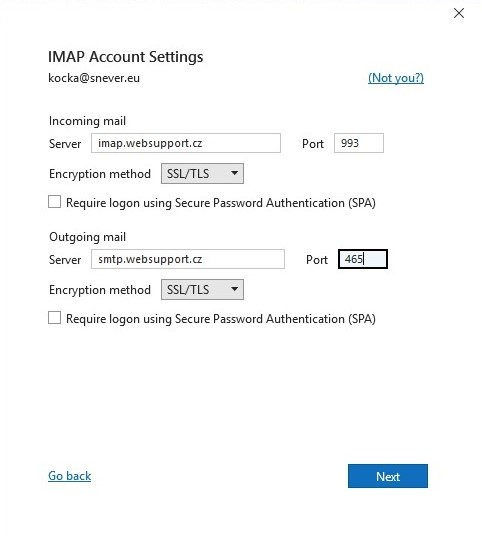
Click on the button Next
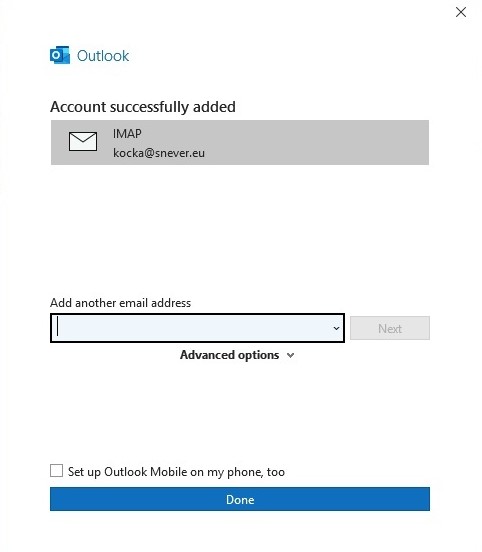
Click on the button Done
Congratulations! Your e-mails have been successfully added to Outlook!